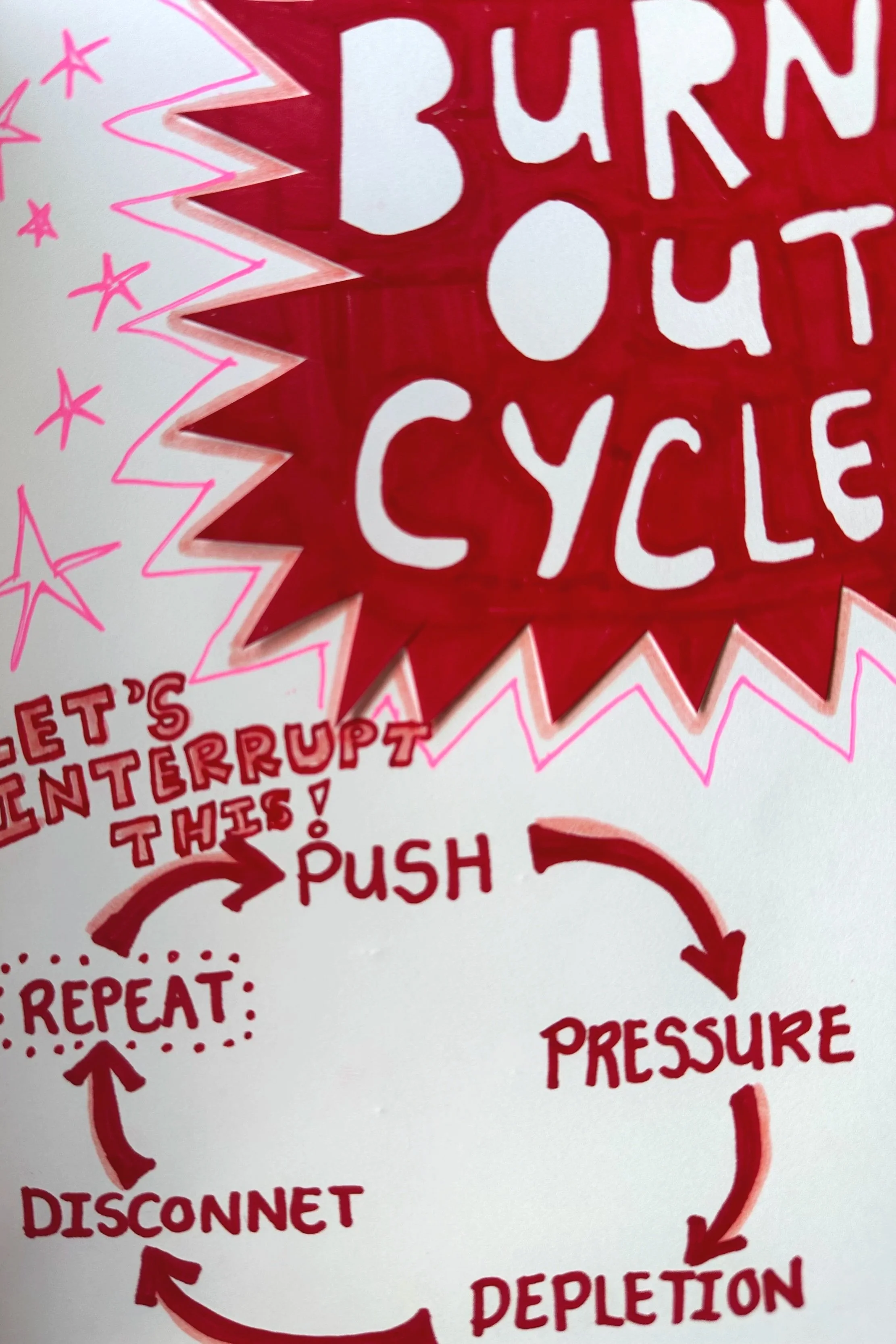
 Image 1 of 4
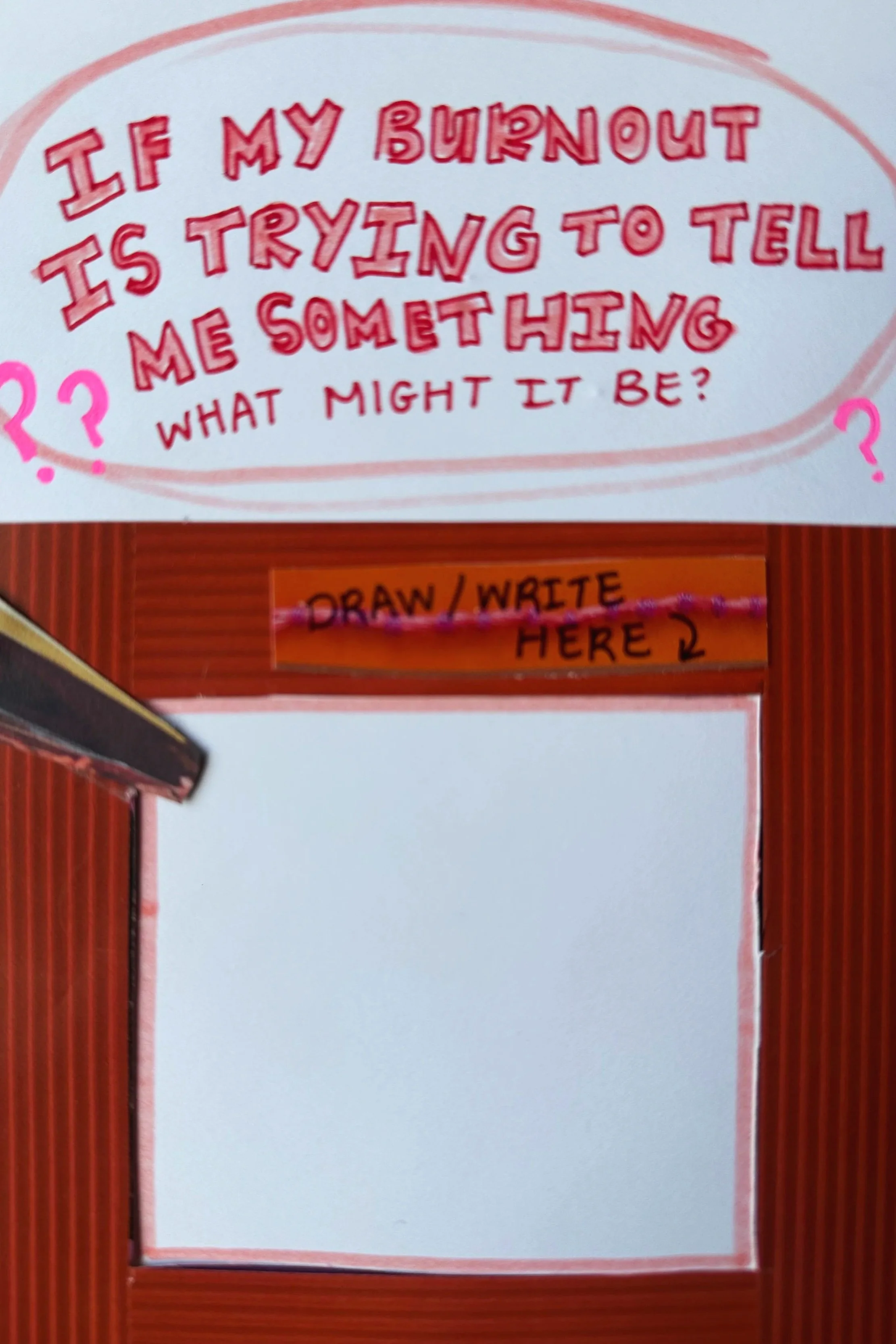
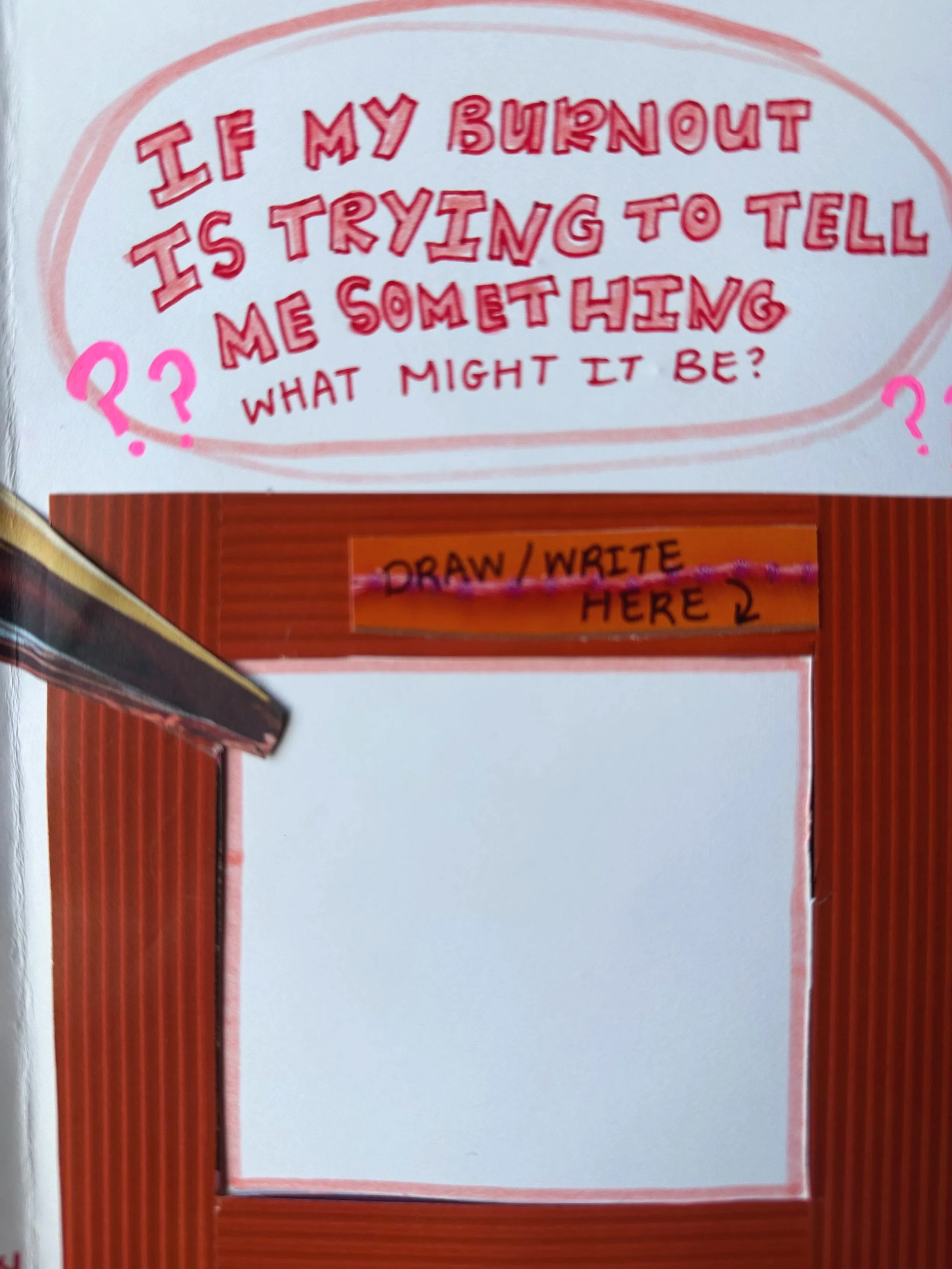 Image 2 of 4
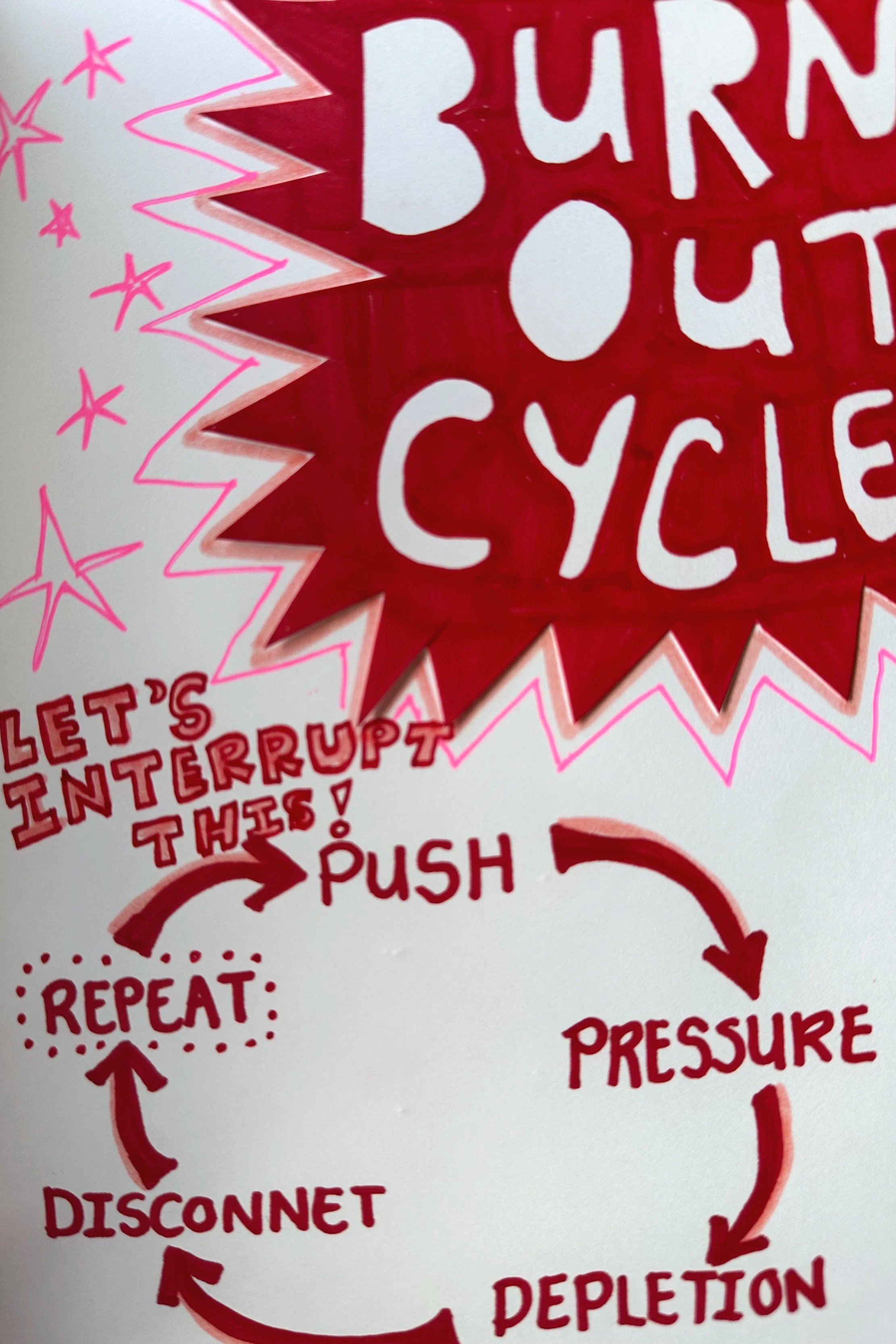
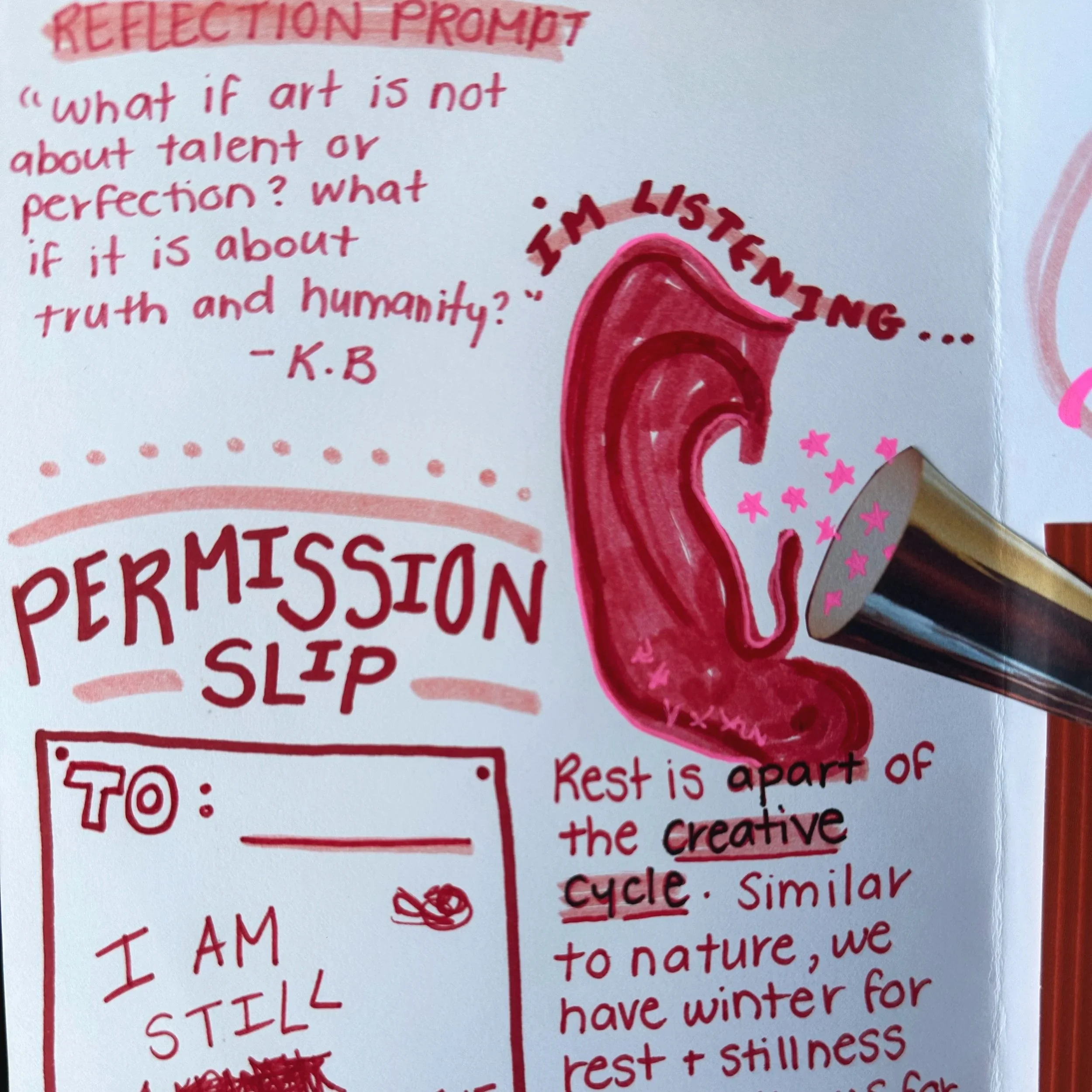 Image 3 of 4
 Image 4 of 4
Printing as a Booklet on PC (Windows)
Open your zine file and click File → Print.
Look for a setting called:
“Booklet” OR “Booklet Printing” OR “Multiple pages per sheet” → Book fold
Choose:
Print on both sides (flip on short edge).
Select your paper size (usually Letter).
Print and fold in half.
👉 If your printer does NOT support double-sided printing:
Print odd pages first
Flip the stack
Then print even pages
Printing as a Booklet on Mac:
Using Preview (most common):
Open your zine in Preview.
Click File → Print.
In the print window:
Find the dropdown that says Layout.
Change Pages per Sheet → 2.
Check Two-Sided → Short-Edge binding.
Print, then fold down the middle.
After Printing:
Stack pages in order.
Fold carefully in half.
Press the fold flat (using a ruler helps).
Optional: staple along the spine and add your own silliness :)